
Tips for Creating a Cozy and Inviting Home Workspace
Creating a cozy and inviting home workspace is essential for maintaining productivity and comfort while working from home. Whether you have a dedicated room or just a small corner, thoughtful design and organization can turn your space into a pleasant area that inspires focus and creativity. Here are practical tips to help you create a workspace that feels both comfortable and inspiring.
Choose the Right Location
Consider Natural Light
A workspace with plenty of natural light improves mood and helps reduce eye strain. Try to set up your desk near a window. If this isn’t possible, use bright, daylight-mimicking bulbs to simulate natural light.
Minimize Distractions
Select a quiet area that’s away from high traffic zones in your home. This helps maintain focus and keeps noise levels down during work hours.
Invest in Comfortable Furniture
Ergonomic Chair
A comfortable, supportive chair is a must-have. Look for chairs with adjustable height and good lumbar support to avoid back pain.
Functional Desk
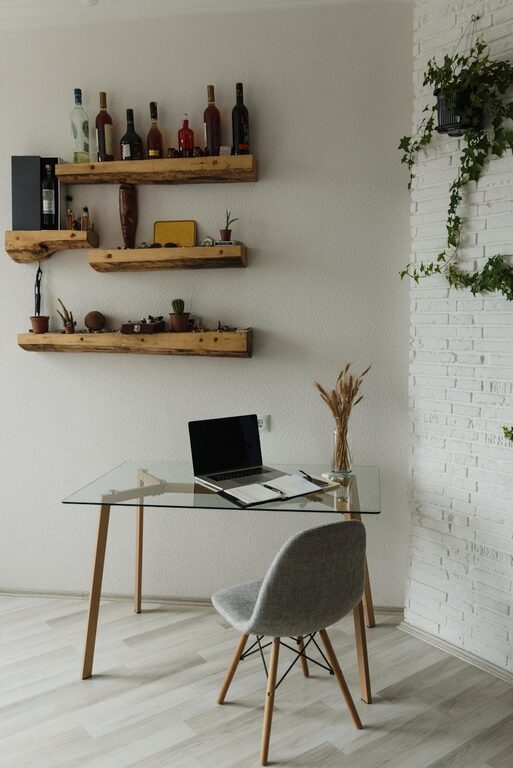
Choose a desk that fits your space and work needs. Whether it’s compact or spacious, ensure it has enough room for your computer, notebooks, and other essentials.
Personalize Your Space
Add Soft Textiles
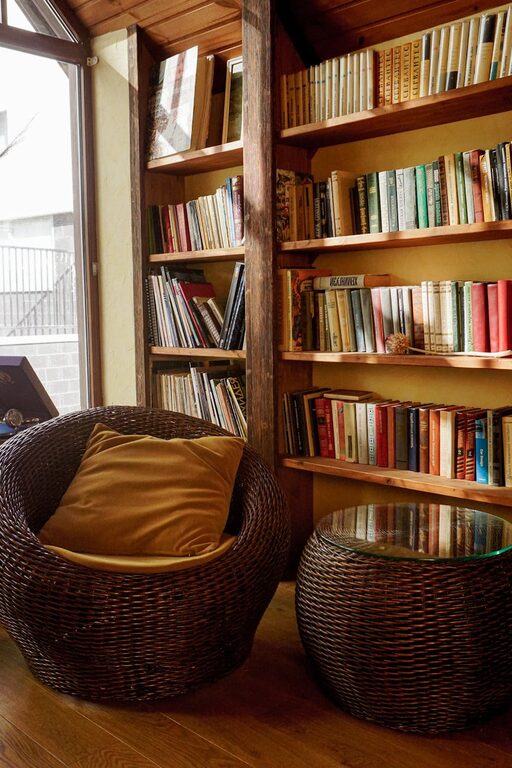
Incorporate elements such as cushions, a cozy throw blanket, or a small rug. These soft items make the space feel warm and inviting while adding comfort.
Include Plants
Indoor plants improve air quality and bring a touch of nature indoors. Choose easy-to-care-for plants like succulents or pothos, which thrive in low light.
Display Meaningful Items
Surround yourself with objects that inspire you, such as artwork, photos, or motivational quotes. This personal touch can boost morale and creativity.
Organize Efficiently
Use Storage Solutions
Keep your workspace clutter-free with smart storage. Use drawers, shelves, or desk organizers to store supplies and documents neatly out of sight.
Cable Management
Messy cables can be distracting. Use cable clips or sleeves to keep cords tidy and prevent tangling.
Optimize Lighting
Layer Your Lighting
Combine ambient lighting (overhead lamps), task lighting (desk lamps), and accent lighting (string lights or decorative lamps) to create a balanced, pleasant atmosphere.
Choose Warm Light
Warm white lights (around 2700K to 3000K) help foster relaxation and comfort, making your workspace cozier.
Create a Relaxing Atmosphere
Incorporate Soothing Colors
Choose paint or wallpaper in soft, neutral tones like light gray, beige, or pastel shades. These colors reduce stress and create a calming environment.
Play Background Music
Soft background music or white noise can improve focus and mask distracting sounds.
Maintain Fresh Air
If possible, open windows regularly or use an air purifier to ensure good air circulation and improve concentration.
Establish a Routine
Separate Work from Relaxation
Designate your workspace as a place for work only. This helps your brain associate the area with productivity rather than relaxation.
Take Breaks
Include a small area or chair nearby where you can step away for quick breaks. Stretching or changing posture refreshes your mind and body.
Keep Technology Updated
Use Efficient Equipment
A reliable computer, monitor, and accessories enhance your work experience and reduce frustration.
Consider Wireless Tools
Wireless keyboards, mice, and headphones reduce cable clutter and increase flexibility.
Final Thoughts
Designing a cozy and inviting home workspace doesn’t require a large budget or extensive remodeling. Simple changes like adding soft textiles, optimizing light, and organizing your items can make a significant difference. The key is to create an environment that feels comfortable, reflects your personality, and supports your work needs. With these tips, you’ll enjoy a workspace that not only enhances productivity but also feels like a welcoming part of your home.
Related Post
Tips for Creating a Cozy and Inviting Home Environment
Creating a cozy and inviting home environment is something many people strive for. A home…